Short answerGuest videos arrive blurry because messaging apps compress them to send faster. The original on the guest's phone is still sharp. To get it, ask guests to upload to somewhere that keeps the original file, such as a QR code wedding gallery, AirDrop or a cloud folder, rather than sending it in a chat.
Why guest videos arrive small and blurry
A minute of phone video in 4K can be hundreds of megabytes. Messaging apps aren't built to send that quickly, so they shrink it first:
- WhatsApp compresses photos and videos by default. Senders can choose HD or send the file as a document, but most guests don't know that.
- iMessage and SMS may send a smaller version, especially to Android phones or on weak signal.
- Email limits attachment sizes, so long videos often won't send at all.
- Instagram and Facebook re-compress anything posted, and stories disappear.
The good news: the guest's phone still has the full-quality original. You just need a way for it to reach you without being squeezed. See our WhatsApp comparison for more on what gets lost.
Four ways to get the originals
| Method | Keeps original? | Works for | Downside |
|---|---|---|---|
| QR code wedding gallery | Yes, if the gallery keeps originals | Every guest, any phone | Usually paid |
| AirDrop | Yes | iPhone to iPhone, in the same room | Not for Android; one guest at a time |
| Shared cloud folder | Yes | Guests comfortable with Drive or Dropbox | Often needs sign-in; uses your storage |
| WhatsApp "send as document" | Yes | Guests who know the trick | Most won't; one file at a time |
A QR code gallery (the easiest for guests)
Put a QR card on the tables. Guests scan it, the gallery opens in their browser, and they pick videos from their camera roll. With FrameAmour the original files are kept and you download them in full quality. No app, no account, and it works on both iPhone and Android.
AirDrop
Perfect for one or two close friends with iPhones, standing right next to you. AirDrop sends the original. It doesn't scale to a hundred guests, and Android guests are left out.
A shared cloud folder
Google Drive or Dropbox keep the original file, but guests usually need an account to upload, and long videos fill your storage quickly. Read Google Drive for wedding photos before relying on it.
Tips so the videos actually make it
- Suggest Wi-Fi. Put the venue's network name on the QR card if guests can use it.
- Keep the page open. Tell guests to wait until the upload finishes, especially for long clips.
- Upload later is fine. The same link works the next day, when guests are home on Wi-Fi.
- Ask the morning after. "Did you film anything? Add the videos here, in full quality: [link]".
- Don't ask for videos by email. They won't fit.
What to ask guests to film
Your videographer, if you have one, follows the two of you. Guests capture everything around you. These are the clips couples most often wish they had:
- Your entrance from the side, so you see your guests' reactions.
- The speeches from different tables, including the laughter.
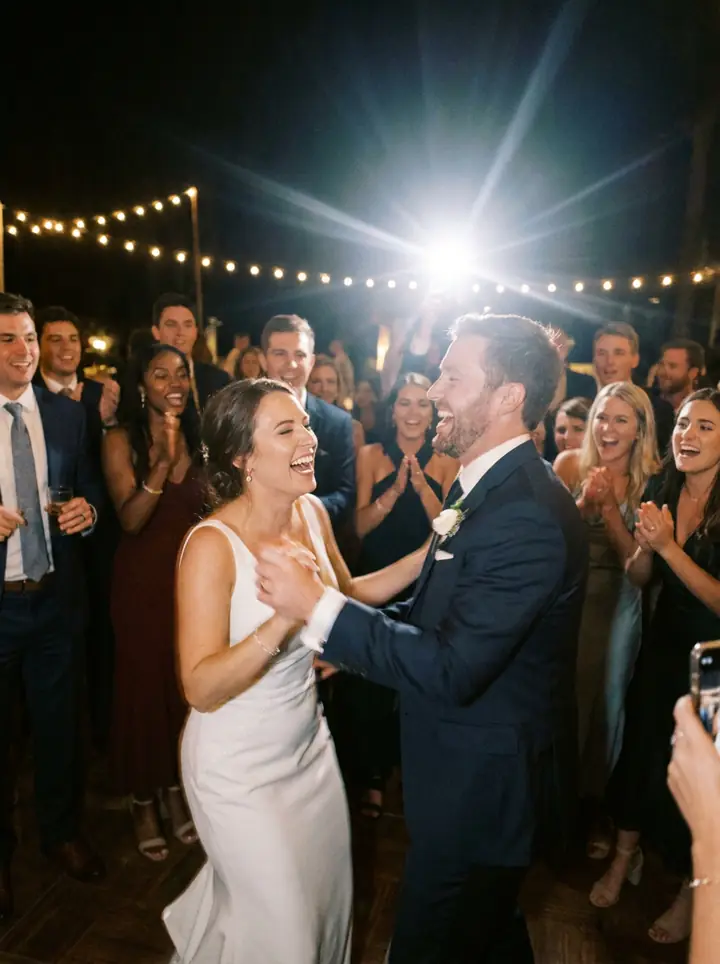
- The first dance from the edge of the dance floor.
- The dance floor later in the night, when your videographer may have gone home.
- Short messages to the two of you, recorded at the table.
With FrameAmour you can post a missing-moment request in your gallery, such as "Did anyone film our first dance?", so guests know exactly what you're looking for.
Keep them safe afterwards
Once the videos are in, download the originals and keep two copies: one on a computer or external drive, and one in a cloud service such as Google Drive or iCloud. A FrameAmour gallery stays open until 12 months after your wedding, so download before it closes.